
Make the shot you intended.
ComfyUI graphs, masks, inpainting, ControlNet, references, and character continuity.
Free desktop training for AI filmmaking, ComfyUI, Python, and production pipelines.
Get hands-on. Build real projects. Create real worlds.
Windows 10/11 x64 · Offline lessons · No account required
AI FilmmakingStory to screen
ComfyUIVisual AI workflows
PythonCreative programming
Production PipelinesFrom concept to final
You don’t build confidence by collecting tutorials. You build it by making something, finding what breaks, and learning how to fix it.
Pipeline Academy gives you a structured place to do exactly that. Read the lesson. Open the official docs. Complete the task in the real software. Record your evidence and keep moving.
A practical way to learnGood ideas.
Better skills.
Real worlds.
A clear path, your notes, and progress that stays on your computer. No feed. No subscription. Just your workshop.
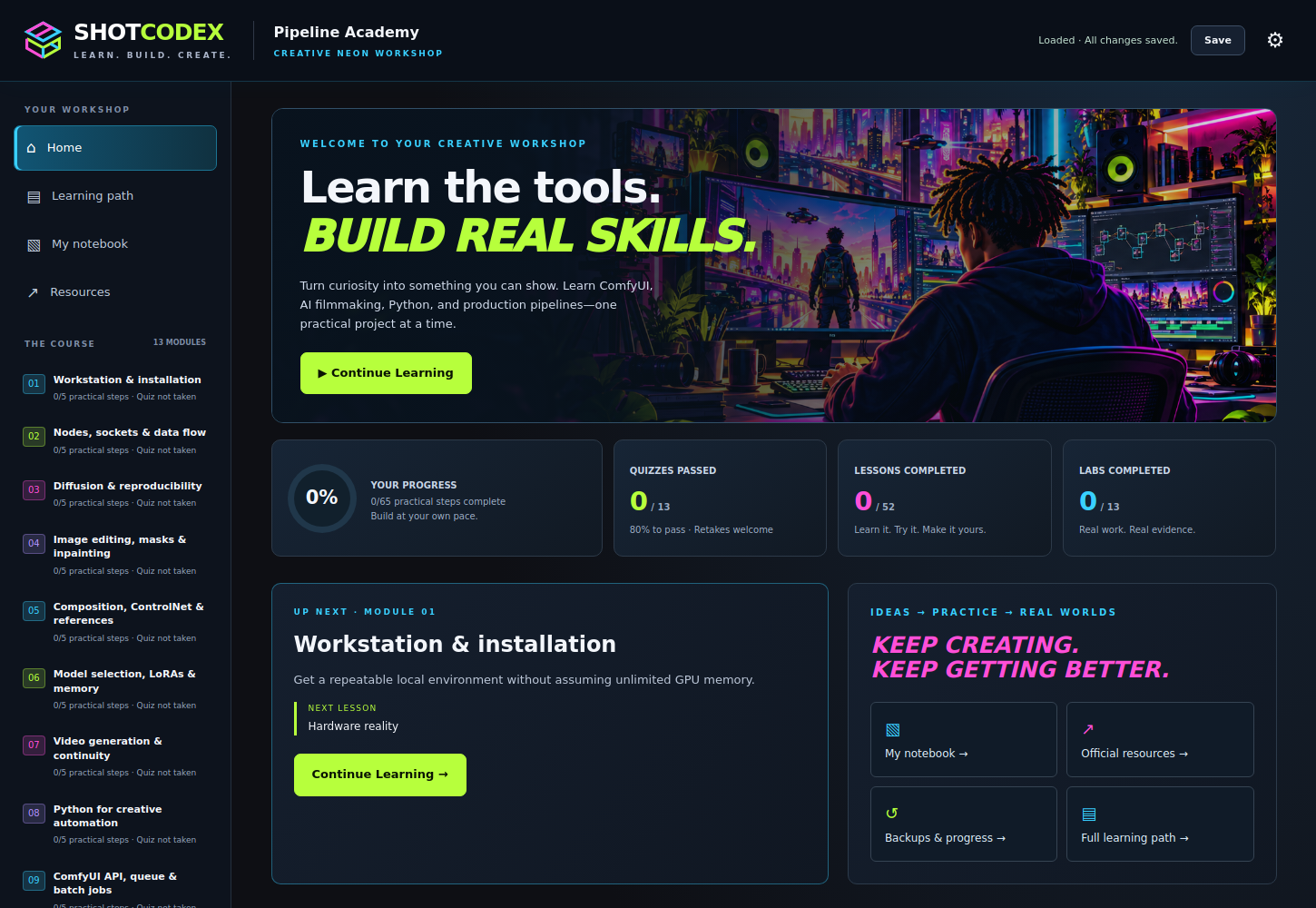
Continue from the next unfinished lesson, lab, or quiz.
Automatic local saving, manual backups, and progress exports.
Save reflection and lab evidence notes alongside your learning.
Start with a working setup. Learn control and consistency. Build automation. Finish with a production capstone you can explain and defend.
Self-paced. Time varies with your experience, hardware, and project scope.
Build skills you can demonstrate. Quizzes use an 80% pass mark with retakes. Practical assignments are self-attested; the capstone requires human review. Course completion is not professional certification.
ComfyUI graphs, masks, inpainting, ControlNet, references, and character continuity.
Python, manifests, server APIs, queues, batch jobs, custom nodes, and recovery.
Video continuity, FFmpeg, audio, quality control, security, cost, and a portfolio capstone.
Download the pre-release installer or portable app for Windows 10/11 x64.
Follow the lessons and open the official documentation when you need it.
Build in the real tools, take the quiz, and record the evidence of your work.
Progress saves locally. Export a copy, come back, and pick up the next task.
Clear expectations. More time to create.
Yes. The academy has no paid features, account registration, subscription, or mandatory cloud service. Third-party tools, model licenses, or optional cloud computing used in exercises may have their own terms and costs.
The packaged lessons, quizzes, notes, and progress tracking work offline. Opening external documentation and downloading training software or models requires internet.
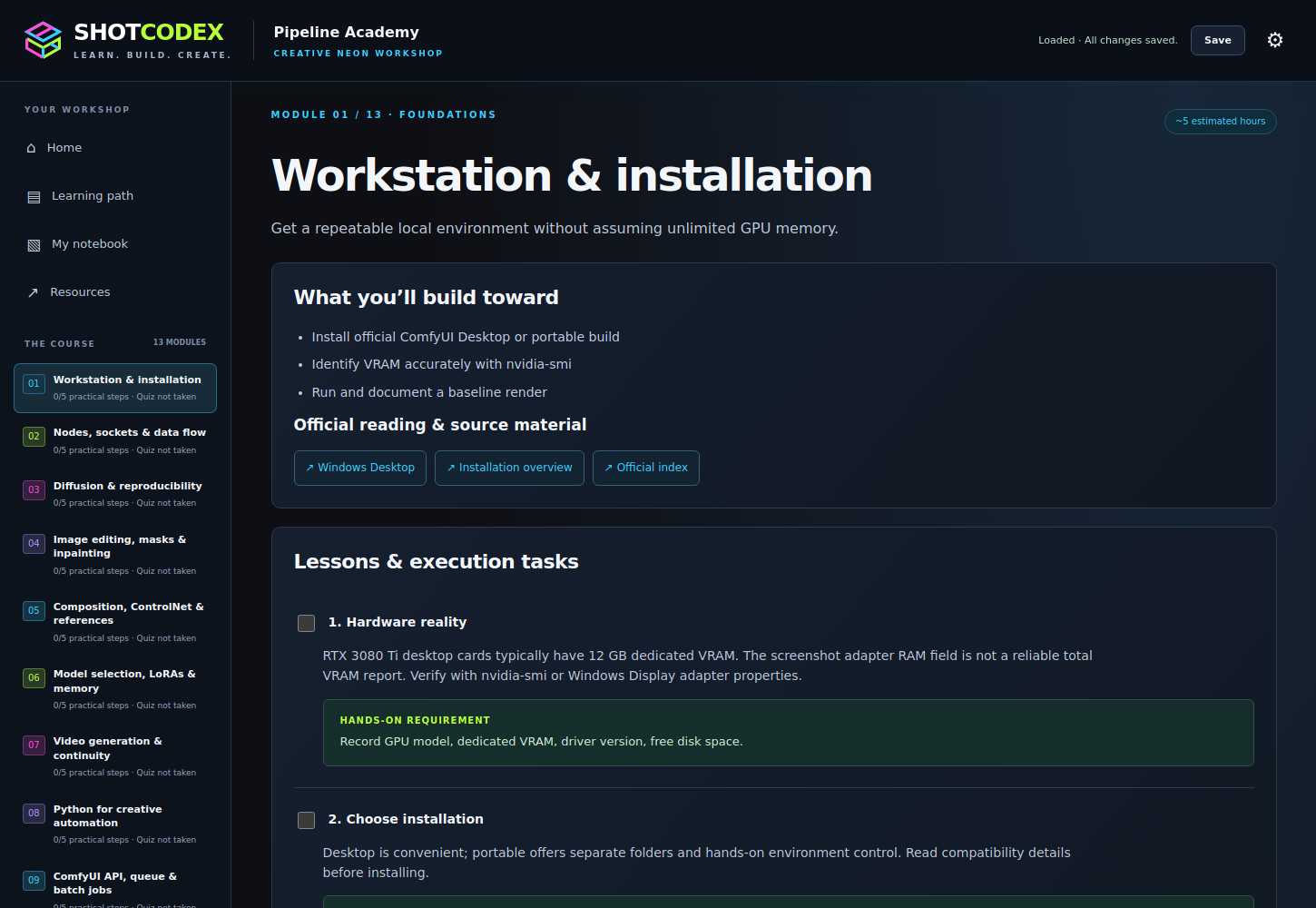
The academy itself does not need a high-end GPU. Hands-on AI workloads do. The course uses an RTX 3080 Ti desktop with approximately 12 GB VRAM as a reference. Verify your actual hardware; heavier models may need smaller settings, offloading, or optional cloud compute.
In a local SQLite database outside the app installation folder. Lessons, answers, quiz scores, reflection notes, and lab evidence save automatically. A manual Save button is always available.
Yes. The app maintains a rotating collection of 30 local snapshots and lets you create additional backups and export progress. Use Import / restore progress to restore a valid desktop backup or a version-1 JSON export from the original HTML course.
The build targets Windows 10 and 11, x64. The installer includes the required application runtime. You do not need Node.js or developer tools just to run the academy. The owner reports successful Windows installation, startup, saving across restarts, quizzes, progress restoration, external links, and portable startup. Update and uninstall testing remain pending.
The installer provides normal Windows installation and shortcuts. The portable executable runs without installation. Both editions use the same learning record for your Windows account; moving the portable EXE alone does not move your progress.
Version 1.2.0 is available for early use. The hosted files match the tested build’s SHA-256 checksums, and the owner has confirmed the main workflows on Windows. Update and uninstall testing remain pending, so this is not yet a final production release. Keep an exported backup of your progress.
The current build is unsigned because no code-signing certificate has been supplied. Windows may show SmartScreen or unknown-publisher prompts. Check the source and published SHA-256 checksum, and follow your device or organization’s security policy. Do not disable Windows security protections.
Free practical training. Local progress.
A little more skill with every session.
Checking download availability. This is a pre-release; update and uninstall testing remain pending.